
Location updates
See the latest reported location.
Open the map for the band’s latest reported location and the time it was recorded.
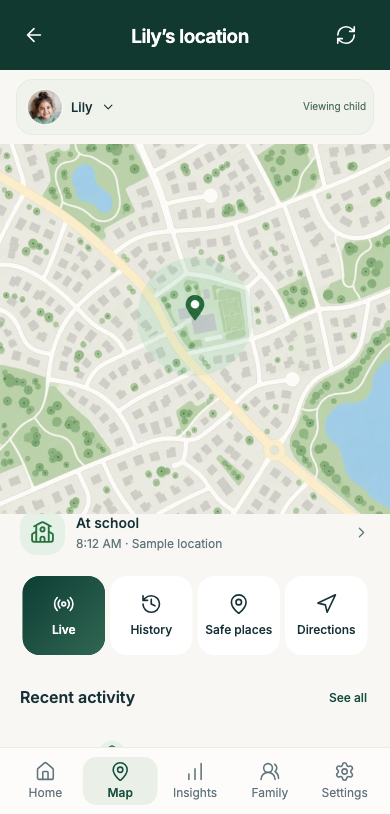
Their band sends updates. Your app shows locations, place alerts, wellbeing readings and recorded events, with their times.
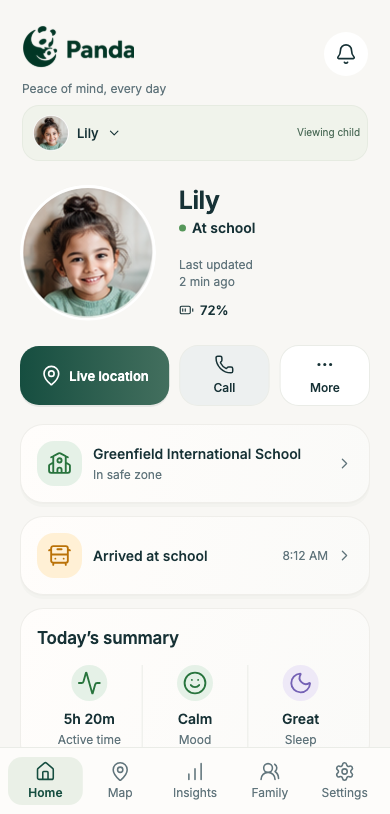
Follow updates from their band and make time for a gentle check-in.
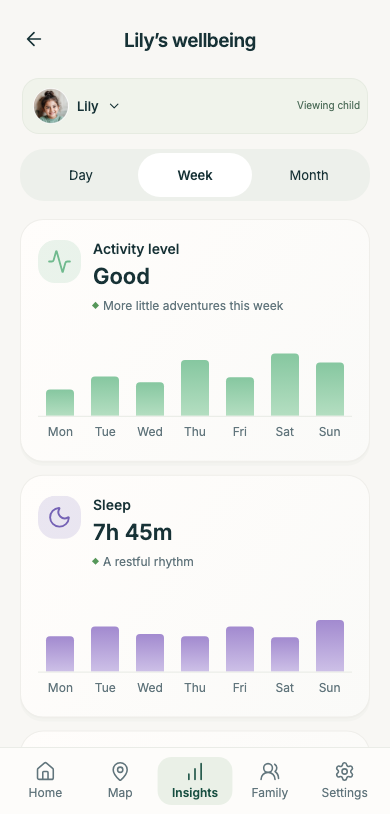
See available readings and when they were recorded.
Use the context to start a conversation about how your child feels.
Explore how changes in usual patterns could help guide a check-in.
Open the map for the band’s latest reported location and the time it was recorded.
Add home, school and familiar places to help you understand arrival and departure alerts.
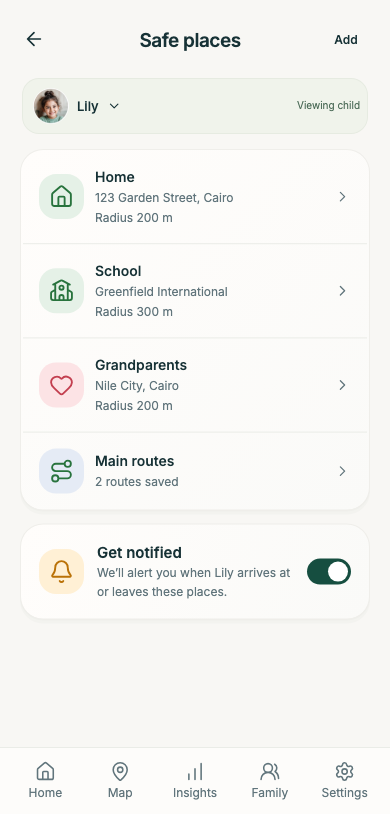
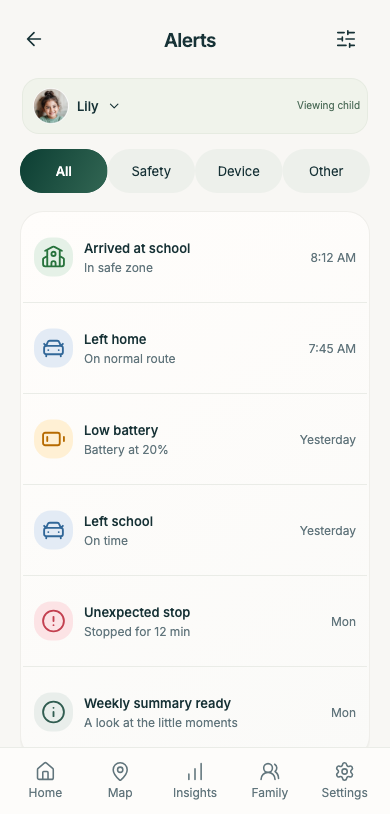
Open arrival and departure alerts to see their details and times, then decide whether to follow up.
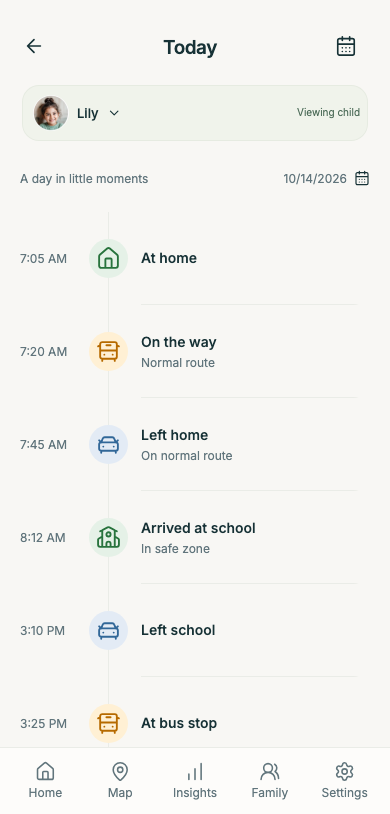
Browse the day’s recorded events in order. There may be gaps while the band is not sending updates.
Get the band ready for your child’s day.
Follow the setup steps in the Panda Parent app.
Add the places that are part of your child’s routine.
No. Your child wears the band; you use the app on your phone.
It shows where the band was at that time. An older location does not confirm where your child is now.
Check the update time, battery and connection. To confirm your child’s whereabouts, contact the adult caring for them.
Read how Panda handles your family’s information and the choices available to you.
Read privacy detailsPanda does not automatically detect emotions. Wellbeing readings can provide context for a conversation; ask your child how they feel.
The preview illustrates changes from a child’s usual pattern, using reliable readings when enough data is available. It is not a diagnosis or proof of stress. These richer insights are not yet verified wearable capabilities.
Check the recorded time of the available readings. Missing or older readings cannot support a current wellbeing assessment. A preview must not be taken as a report about your child.
Choose your Panda or contact our team.