
Location updates
See their latest reported location.
See the latest reported location and time. Older updates may not show where your child is now.
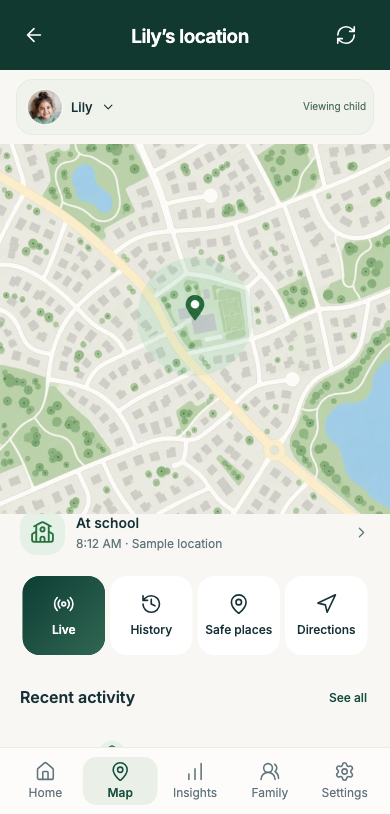
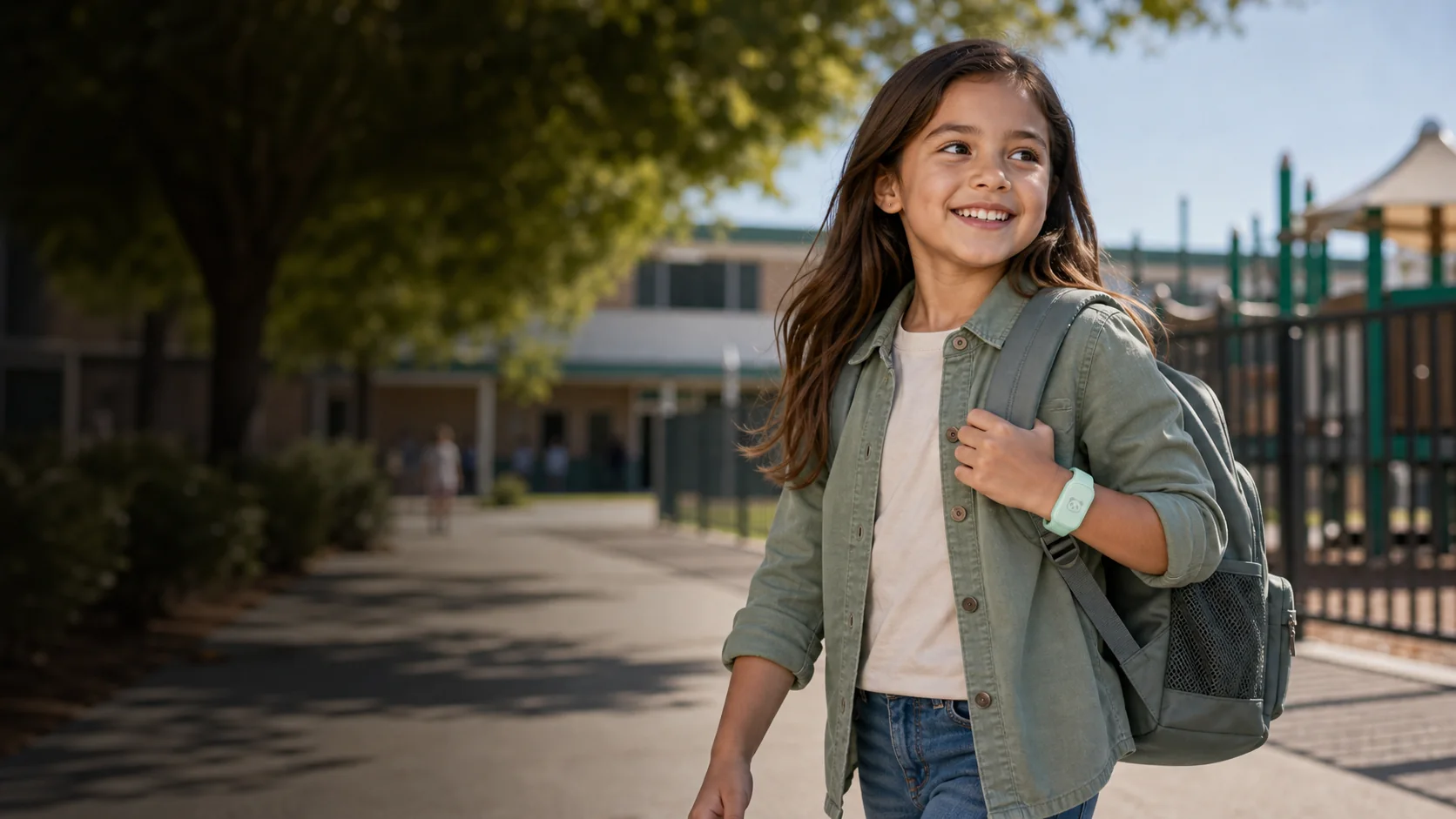
Their band sends updates. Your app brings locations, place alerts and wellbeing readings together.
Download brochure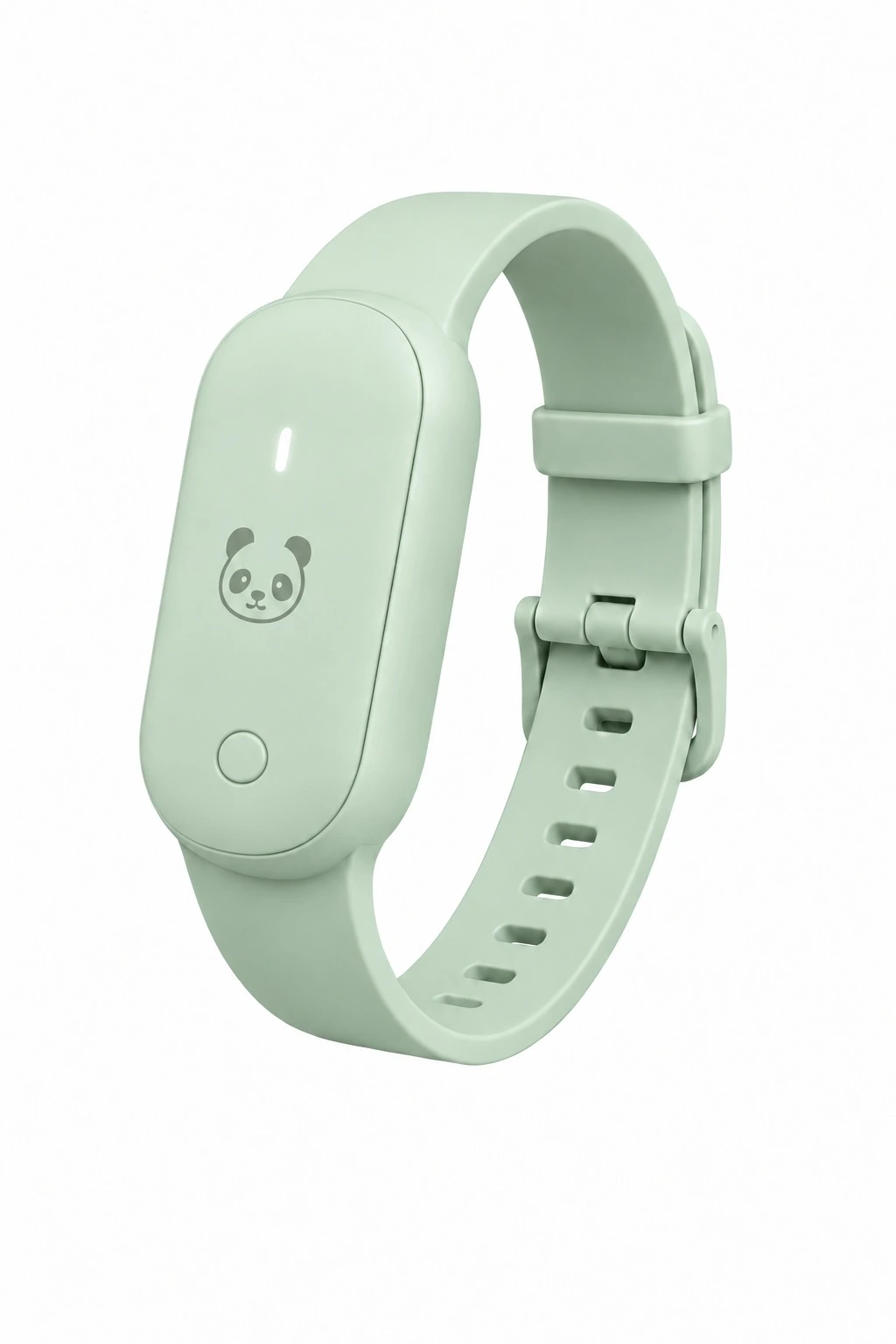
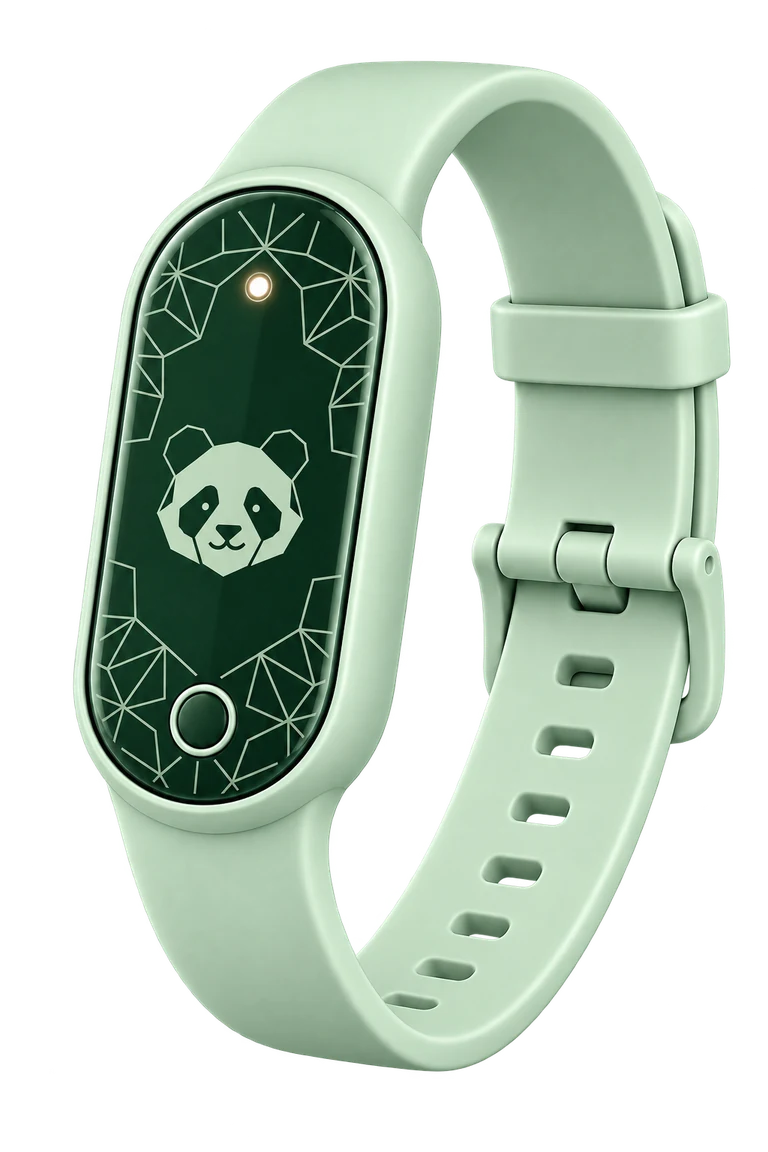
A band for school, play and home. Follow its updates in your parent app.
Shop PandaFollow updates from their band and make time for a gentle check-in.
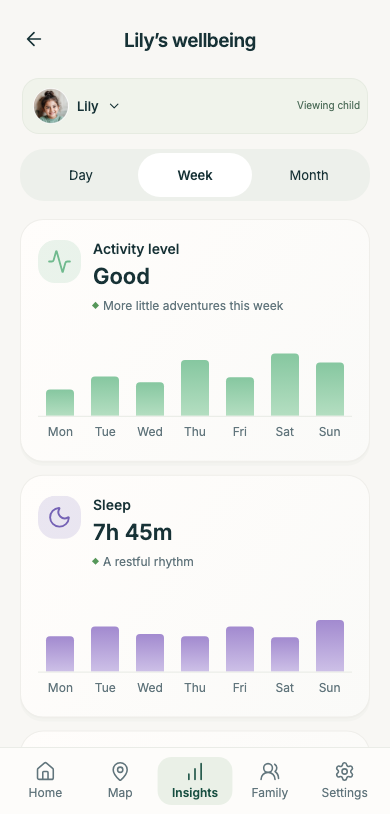
See available readings and when they were recorded.
Use the context to start a conversation about how your child feels.
Explore how changes in usual patterns could help guide a check-in.
See the latest reported location and time. Older updates may not show where your child is now.
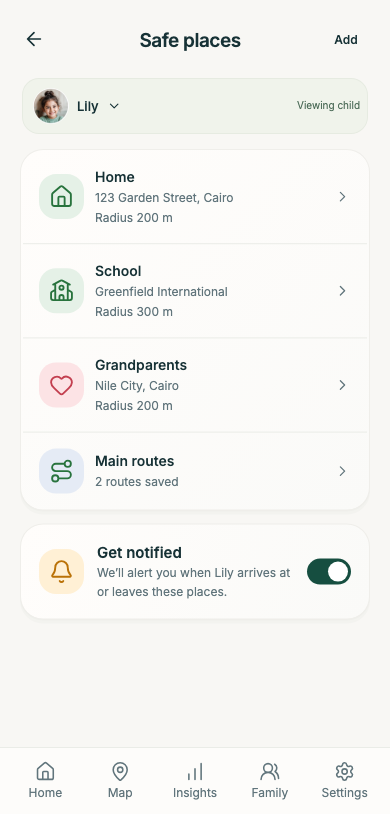
Choose home, school and familiar places. Review arrival and departure alerts in the app.
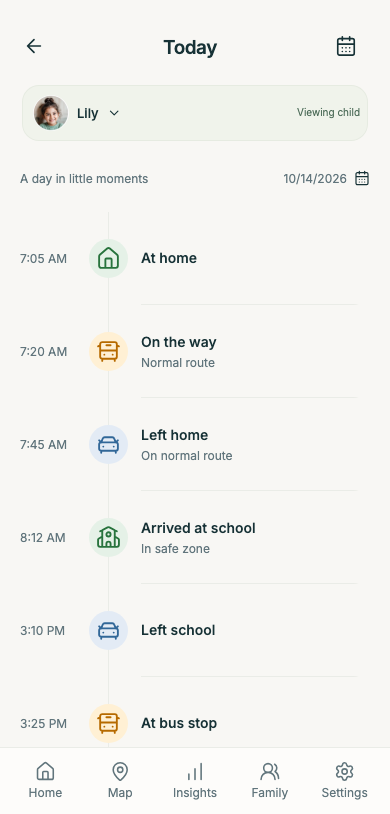
Follow recorded events and their times in one timeline.
A light, screen-free band with a Panda SIM already included.
Swipe or scroll to compare all products.
| What matters |
|
 |
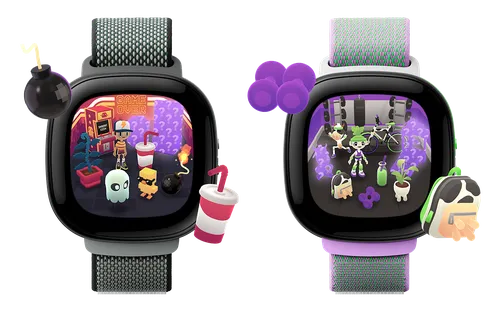 |
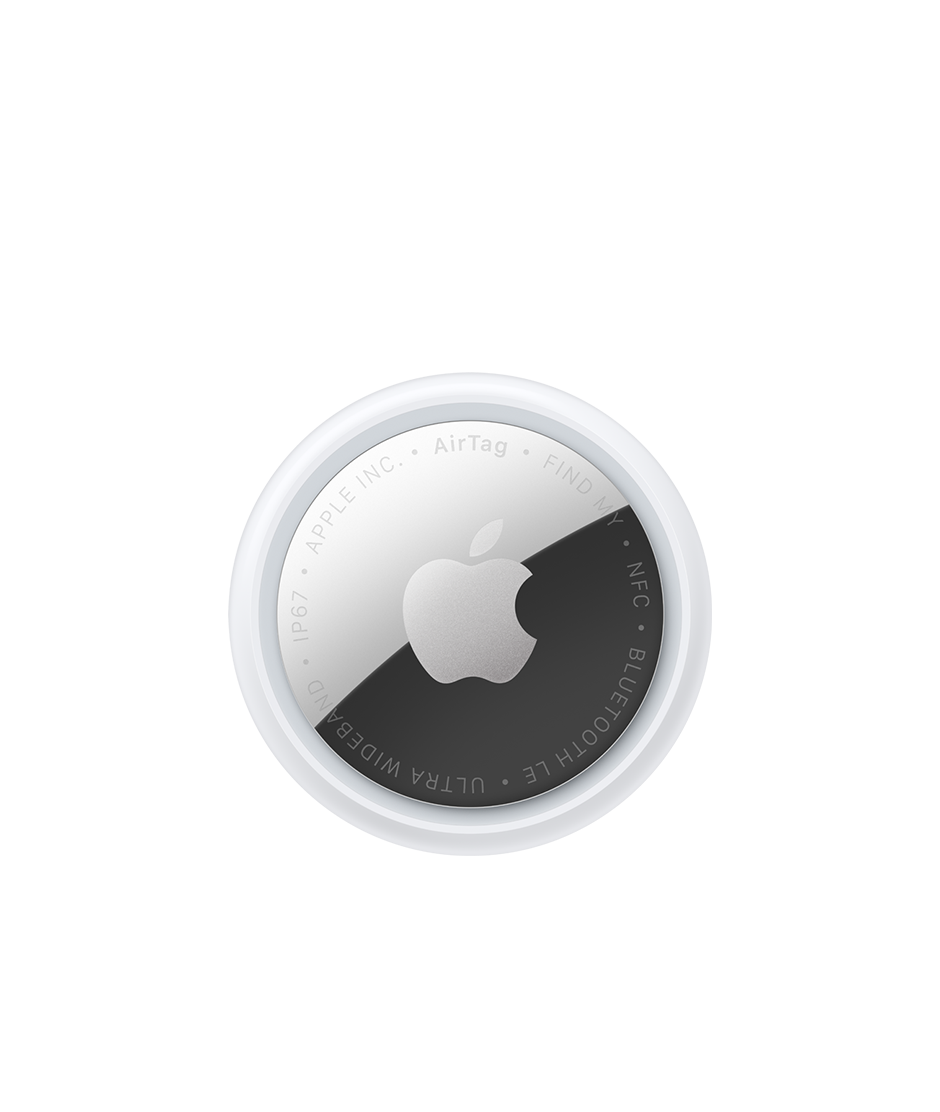 |
|---|---|---|---|---|
| Weight | 25 gIncluding strap · Panda specification | ≈57.5 gIncluding strap | ≈32.5–34.3 gWith band; bumper excluded | 11.8 gTag only; any holder adds weight |
| Body size | 43 × 23 × 13 mmBody dimensions; edition may vary | 52 × 41 × 14.55 mmWatch body; strap excluded | 41.04 × 44.89 × 13.35 mmWatch body; band excluded | Ø31.9 × 8 mmTag diameter × thickness |
| SIM & setup | Panda SIM included. Plug and play—no separate SIM to buy. | A compatible nano-SIM and carrier plan are required. | Built-in SIM. Activate an Ace Pass plan. | No SIM. Pairs with a compatible Apple device. |
| Main purpose | Help parents follow their child’s day | A connected watch for children | Communication and movement through play | Finding personal belongings |
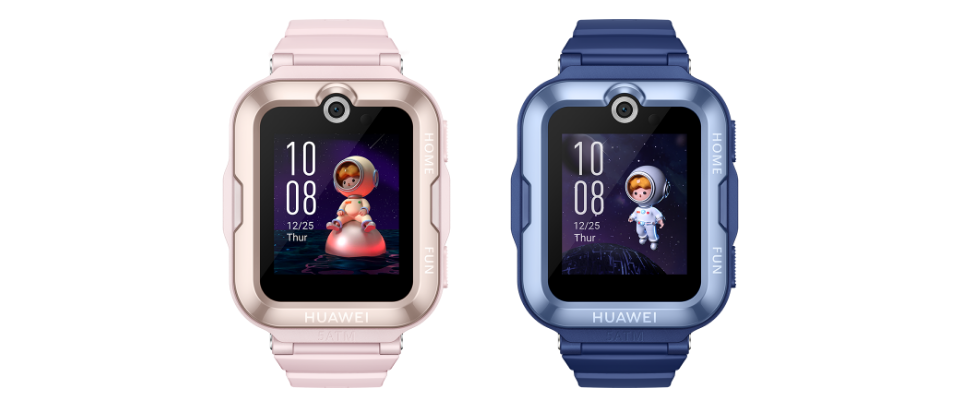
| Child’s experience | Screen-free wristband | Touchscreen watch with a camera | Touchscreen watch with activity-based games | Small tag without a screen |
| Parent tools | Location updates, familiar-place alerts and daily timeline | Location, safe-zone alerts, voice and video calls | Location, calling and messaging | Find My item location and nearby finding |
| Location approach | Latest received location and its recorded time | GPS and other positioning methods | GPS with Google Location Accuracy | Location relayed by nearby Find My devices |
| Wellbeing approach | Received readings and gentle mood check-ins; stress/recovery Explore preview | Sports and outdoor-time tracking | Activity goals and movement games | Item finding |
| Service considerations | 12 months of parent-app access included; updates depend on band connectivity | Features depend on regional and carrier support | Ace Pass required; supported US region only | Compatible Apple device; remote finding depends on the Find My network |
Product images are not to scale. Sizes are device-body dimensions; straps and holders vary.
Mood provides context for a conversation. Stress and recovery insights are illustrative previews, not verified assessments. Available readings depend on the band and data received.
Checked 15 October 2026
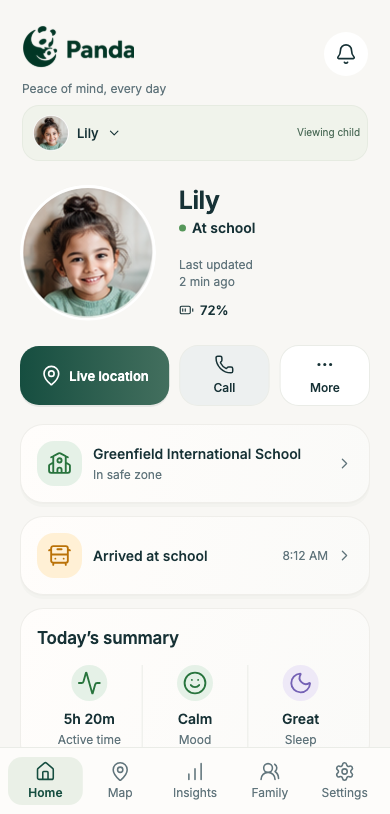
Find location, battery and event updates.
Check when the band’s location was recorded.
Review the familiar places you have chosen.
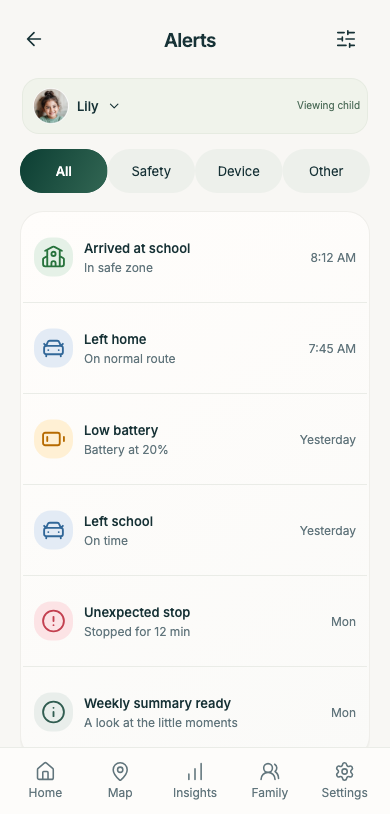
Open an alert for its details and time.
Browse arrivals, departures and other recorded events.
Explore activity and rest previews. Stress insights are not yet verified.
Explore child wellbeingGet it ready for your child’s day.
Connect the band and choose familiar places.
Review reported locations and the day’s updates.
A screen-free band sends location, place and wellbeing updates to your parent app.
No. Your child wears the band; you use the app on your phone.
Check the time: older updates may not show your child’s current location. Updates depend on connection.
Arrivals, departures and other recorded events, with times. Disconnection can leave gaps.
Adults with permission. Read our privacy details.
12 months of app access; renewal details follow before it ends. Price and box contents are in the shop.
No automatic emotion detection. Use readings to begin a conversation and ask how your child feels.
A preview of pattern changes, using enough reliable data. Stress insights remain unverified and are not a diagnosis.
Check the time. Older or missing data cannot show current wellbeing; sample previews are not your child’s reports.
Choose a wearable or ask our team.